PowerTriage Windows
Native tooling for Windows live triage: portable, free of external dependencies, and built for real DFIR investigations.

Native tooling for Windows live triage: portable, free of external dependencies, and built for real DFIR investigations.
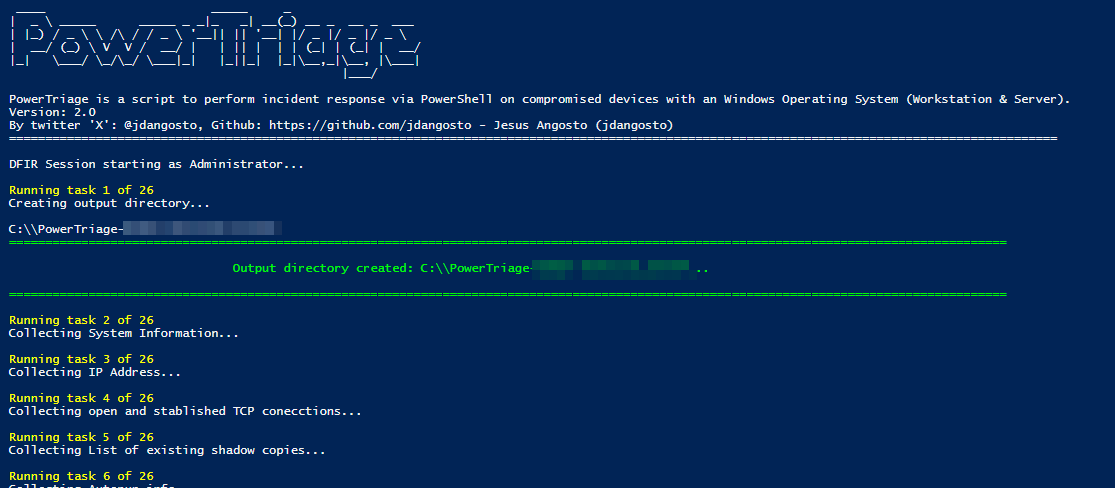
PowerTriage Windows is a native PowerShell tool for Windows 10, 11, and Server focused on collecting high-value forensic artifacts with simple deployment, low operational friction, and structured output ready for technical review.
It is designed for direct execution on compromised systems, remote live response, and EDR/XDR environments. Some additional capabilities remain in development or evaluation before publication.
It is meant to stay genuinely useful to the DFIR community: strong at live triage, portable, and still capable of producing useful context when elevation is unavailable.
PowerTriage Windows is oriented towards DFIR teams, SOC, and incident response.
Prefetch, Amcache, ShimCache, BAM/DAM, and process execution evidence.
Jump Lists, Recent Files (LNK), ShellBags, Recycle Bin, and Profiles.
Active Connections (TCP/UDP), DNS Cache, ARP Table, Routes, and Firewall Rules.
History, Cookies, and Logins from Chrome, Edge, Firefox, Opera, and Brave.
Outlook (OST/PST), Logs and Metadata from OneDrive, Teams, Google Drive, and Dropbox.
Event Logs (Security, Sysmon, RDP), Services, Scheduled Tasks, Autoruns, and USB History.
Rapid collection of key artifacts for immediate context.
Broader collection for deeper investigation on the live host.
Selective execution of modules according to the investigation.
It can continue in a degraded mode when elevated privileges are not available.
PowerTriage Windows evolves continuously. Some capabilities are publicly available, while others remain in development, validation, or internal use before publication.
| Capability | Status |
|---|---|
| Windows live triage | Available |
| Modular artifact collection | Available |
| User, system, process, network, event, and browser artifacts | Available |
| Basic hashing and packaged output | Available |
| Offline mounted-volume collection | In development |
| Offline hives and selected NTFS artifacts | Under evaluation |
| Expanded integrity and technical traceability records | Under evaluation |
| Structured reporting | Under evaluation |
| Structured result packaging for complex cases | Under evaluation |
Structured results ready for subsequent analysis.
PowerTriage Windows CE is the live acquisition and triage layer within the PowerForensics ecosystem. Its output is prepared for later review in Chronos and Nexus.
Review requirements, execution parameters, and the current public scope.